Read with Claude
 Read with ChatGPT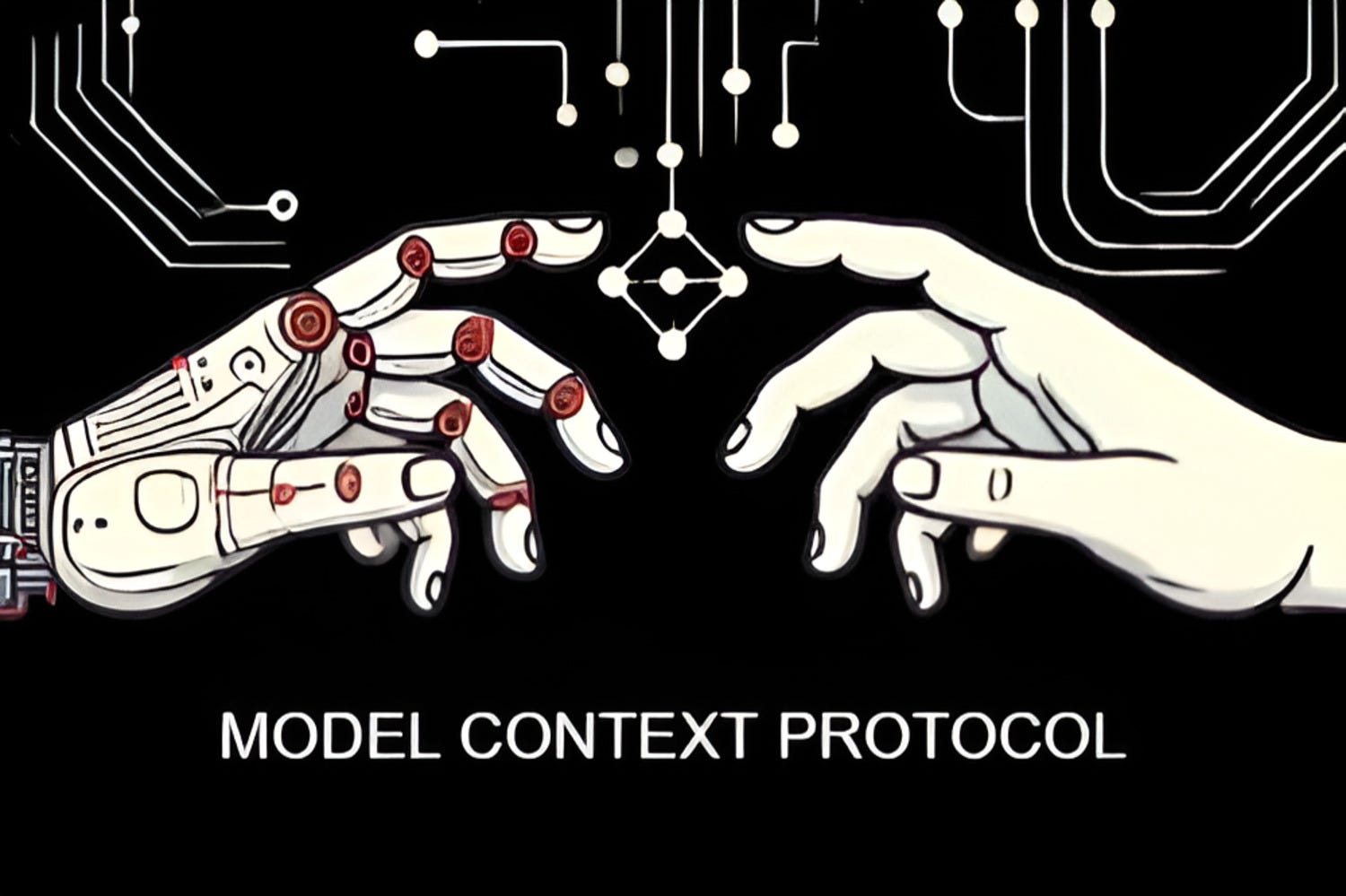
Model context protocol(MCP) is an open standard that allows you to connect LLMs and your data sources. In simpler terms, MCP works on top of a client-server architecture . This enhances the capability of AI model to access various information and retrieves content aware responses .
Say you have an excel file in your local system and you want to get insights out of your data source. Claude’s MCP lets you configure the Claude Desktop to access your excel file. When you prompt in saying “Analyze the sales data and list down the top 3 best-selling products for the year 2024”. Claude processes the data and provides you the response.
To set up Claude desktop on your system click on the link
To setup the MCP Servers and configuration click on the link
GitHub - modelcontextprotocol/servers: Model Context Protocol Servers
Why Choose MCP for your Data Connectivity
1. MCP ensures secure access to your data while preventing unauthorized modifications or deletions.
2. Helps you receive contextual responses by accessing and manipulating data sources you specify.
For example, you an specify the model to access the customer database and retrieve the last 5 customer details, the model will fetch only the relevant records.
3. Automatically updates the responses in the IDE or file you want your response to be saved.
For example, the generated code is automatically updated in the file IDE or notepad.
4. Helps you access data sources stored across various platforms or systems.
For example, you might have stored your sales data in your local system and product details in your cloud storage. Using MCP you can connect with the local and cloud data sources easily.
5. Unlike LLMs, MCP supports multiple data source integration and handles various file sizes and file formats.
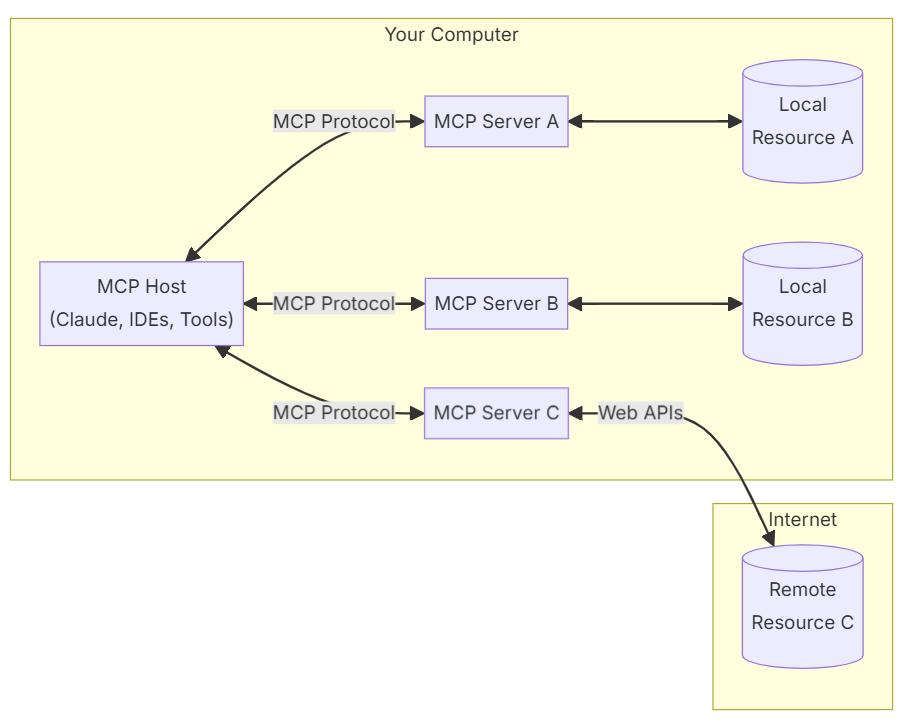
Understanding MCP’s Core Architecture
The core components function as listed below:
The Claude desktop acts as the MCP host that initiates the connection with the servers and has the user interface for interacting with AI system.
The MCP Client located within your Claude desktop manages the connection with the server. The client also handles the your request and access the data using MCP.
The MCP Server are the intermediaries between the host and your data sources. Also allows LLM to interact with the files in a secure way.
The file system server allows the LLM/Claude desktop to perform file operation such as read to analyze the data in the file.
Use case: SOP document of your screen activity
You can create a SOP document using your screen activity in a video file format. Here’s how you can do it:

1. The Claude Desktop acts as the host which initiates a client to access and analyze the video feed.
2. The client maintains an one to one connection with the servers.
3. The MCP server are lightweight funtions that ensures the video file is read, encoded and served as a binary resource via MCP endpoints.
The claude_desktop_config, json file should be configured to access the video feed in the file system by the server.
4. The File system is your local or computer’s resource that an AI application accessess through MCP server securely.
5. Prompt in the Claude Desktop saying ‘List down my screen activity into a SOP document’.
6. The MCP would create the resultant SOP Document.
Conclusion
MCP simplifies data source connection with LLMs by eliminating the need for custom coding for each integration. It offer greater flexibility to handle different data types and sizes and overcomes the limitations AI system by accessing both local and remote data sources. Therefore, MCP generates more refined and context relevant responses.
The best part about MCP is that you can run it as your own isolated AI model with data from local and cloud resources apart from just language data. This helps with use cases involving excel analysis, code generation and more.
The possibilities of MCP are just the beginning to the future of AI focused on our own environments. What are the use-cases that you are putting MCP to? Let’s discuss in the comments below.