Read with Claude
 Read with ChatGPT
Vercel has come to be a very reliable hosting platform for front-end projects. If you are making use of Vercel for hosting your frontend app, then you can supercharge your app with “Privacy-friendly, real-time traffic insights”.
Through the use of Web Analytics, you can get insights into the visitors of your website with metrics like page views & visitors, top referrers, and demographic details such as countries, operating systems, and browser specifics.
Let’s get started with Vercel Web Analytics.
1. Enable Web Analytics on the Dashboard
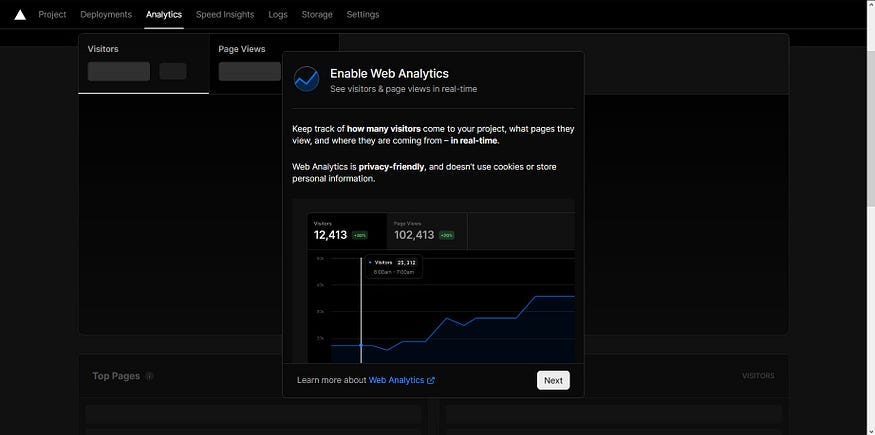
Head to your Vercel dashboard and select a project. Click on the “Analytics” tab and click on “Next” in the popup and select “Enable”. The Free plan includes:
2. Add @vercel/analytics to your project
Once you have enabled Web analytics, head over to your frontend project and add @vercel/analytics using your package manager like yarn.
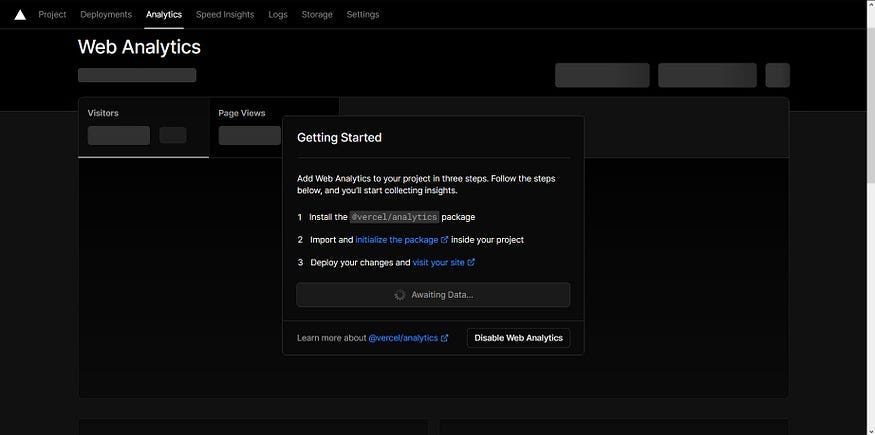
yarn add @vercel/analyticsVercel will be waiting for data, which we will send by initializing the package in the next step.
3. Import component in your front-end app
Now that you have added the package, import the Analytics component in the main layout of your project from @vercel/analytics/react. I have given an example below, including Analytics in a Next.js project.
import { Analytics } from '@vercel/analytics/react';

function MyFrontendApp({ Component, pageProps }) {
  return (
    <>
      <Component {...pageProps} />
      <Analytics />
    </>
  );
}

export default MyFrontendApp;
4. Deploy your app to Vercel
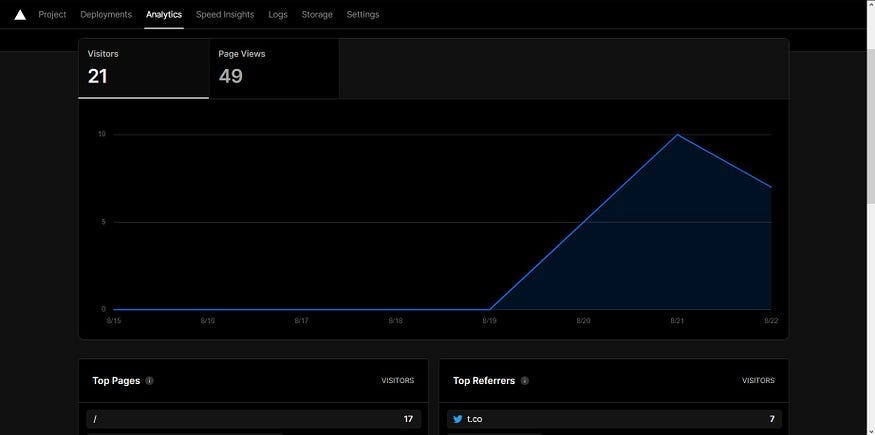
As I mentioned at the start of the post, this analytics package works with Vercel. So, make sure to deploy your project to Vercel and you will see the analytics page of your project get updated with stats.
If you want more specific instructions based on the front-end framework you have used, check out the Vercel Web Analytics documentation.
And there you have it, your front-end app supercharged with Analytics from Vercel. You will get a live feed of page views and visitors on your website including the number of active people online. Let me know in the comments if you found this useful.