Read with Claude
 Read with ChatGPT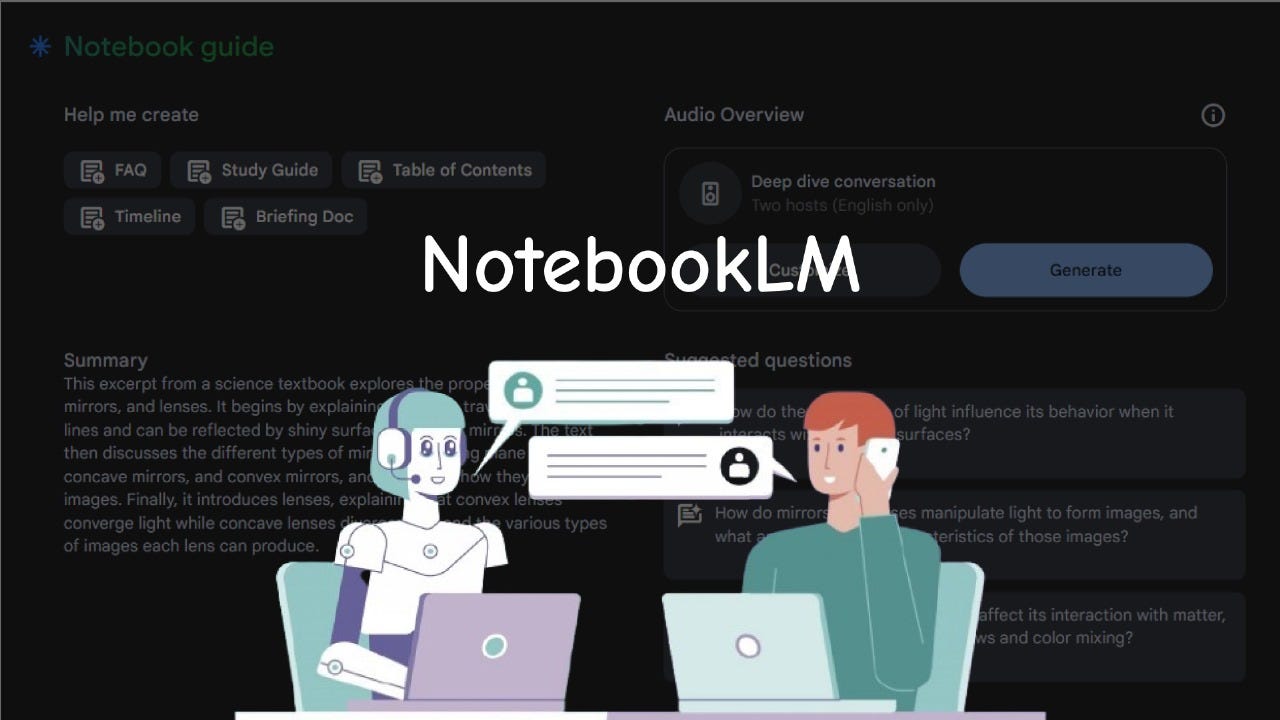
Source: https://www.wiz.ai/chatbot-vs-talkbot/
Recently, I began experimenting with NotebookLM from Google and was drawn in by their ability to organize my knowledge base and talk with my documents. The Google Lab worked around the concept of ‘talk to small corpus’, which evolved into NotebookLM. Built on top of Google’s Gemini 1.5 LLM, the core of this product generates responses converts information into insights.
This AI assistant makes it very personal by allowing us to upload our own documents and extract tailored outputs, whether it’s a blog post, a study guide, or even a podcast. As Raiza Martin, Product Manager for AI at Google Labs, explained on Lenny’s Podcast:
“If you imagine you could take anything, whether it’s video, audio, your emails, your LinkedIn, your Twitter, the world of things that we care about, you have an AI interface that allows you to shape it and say, ‘Look out of these things, make me a blog post. Out of these things, make me a tutorial video. Out these things, make a chatbot.’ I think there’s something interesting here.”
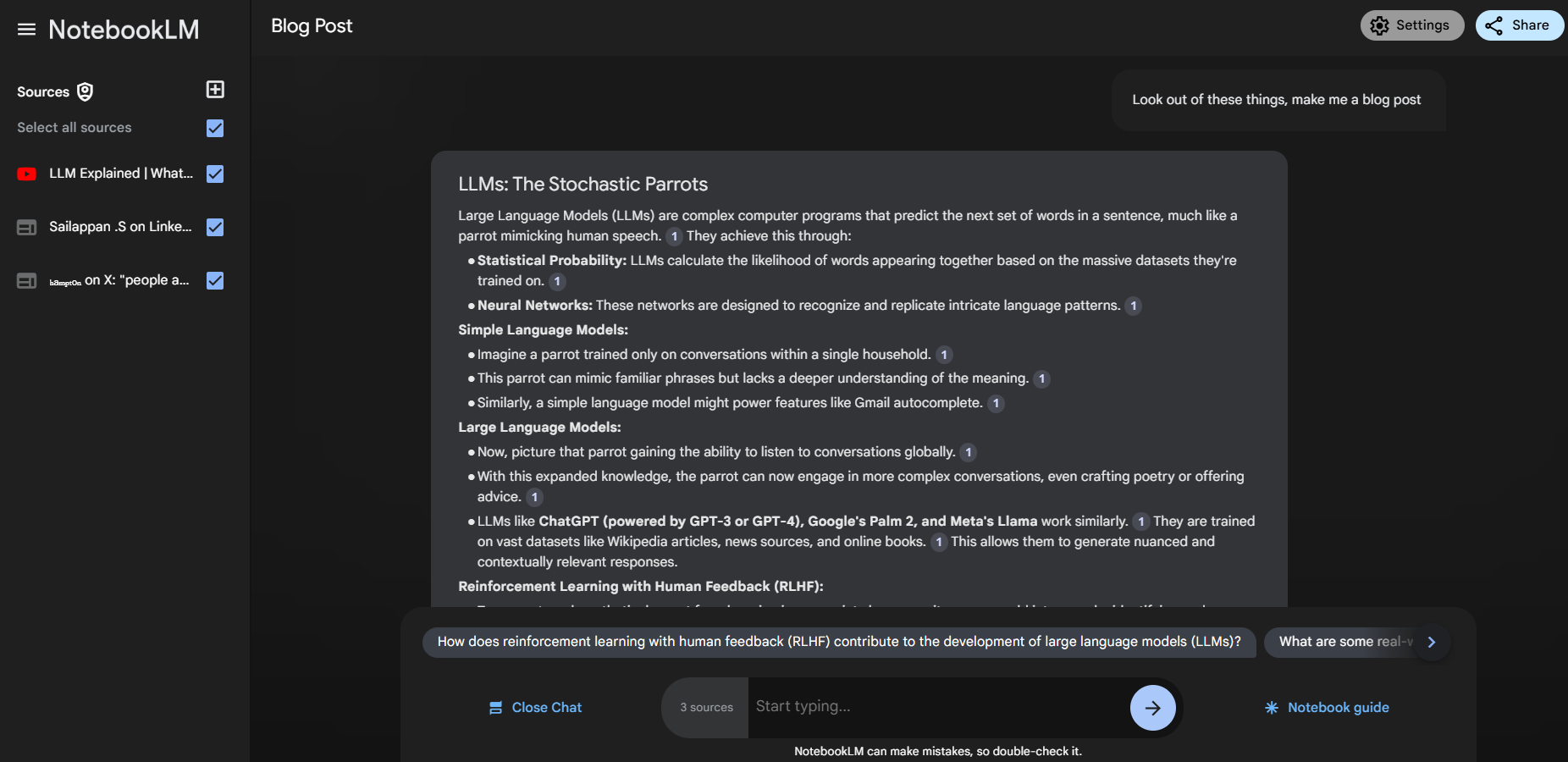
The Best Features of the Platform
Beyond simple summaries, NotebookLM introduces features like RAG-Locked for accuracy-focused retrieval, Audio Overview to create podcast-like recaps, and Instant Insights for FAQs, timelines, and study guides.
RAG-Locked
Unlike traditional Retrieval Augmented Generation (RAG), which pulls information from web sources, RAG-Locked focuses exclusively on the user’s uploaded documents. This ensures responses are highly relevant, less prone to hallucinations, and come with citations for easy verification. Whether you’re navigating dense research papers or detailed reports, this feature guarantees trustworthy outputs tied to your specific data.
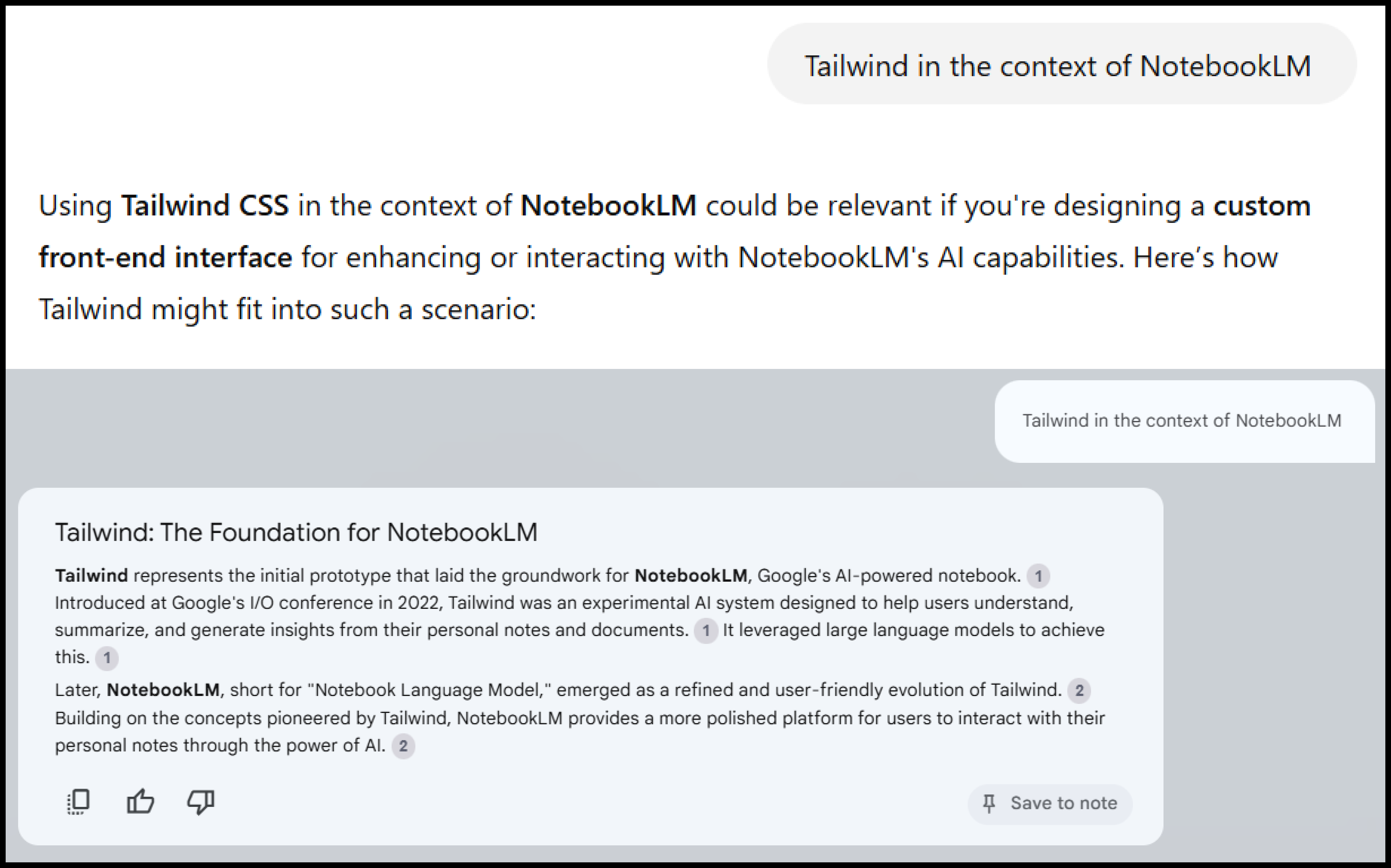
“GPT-4o” Vs “NotebookLM” response. NotebookLM provides citations connected to your sources.
Instant Insights
One of the simplest way to use NotebookLM is to draw insights by clicking on any of the options like ‘FAQ’ or ‘Briefing Doc’. These serve as shortcuts to multiple responses, each one leading you to the core of the source.
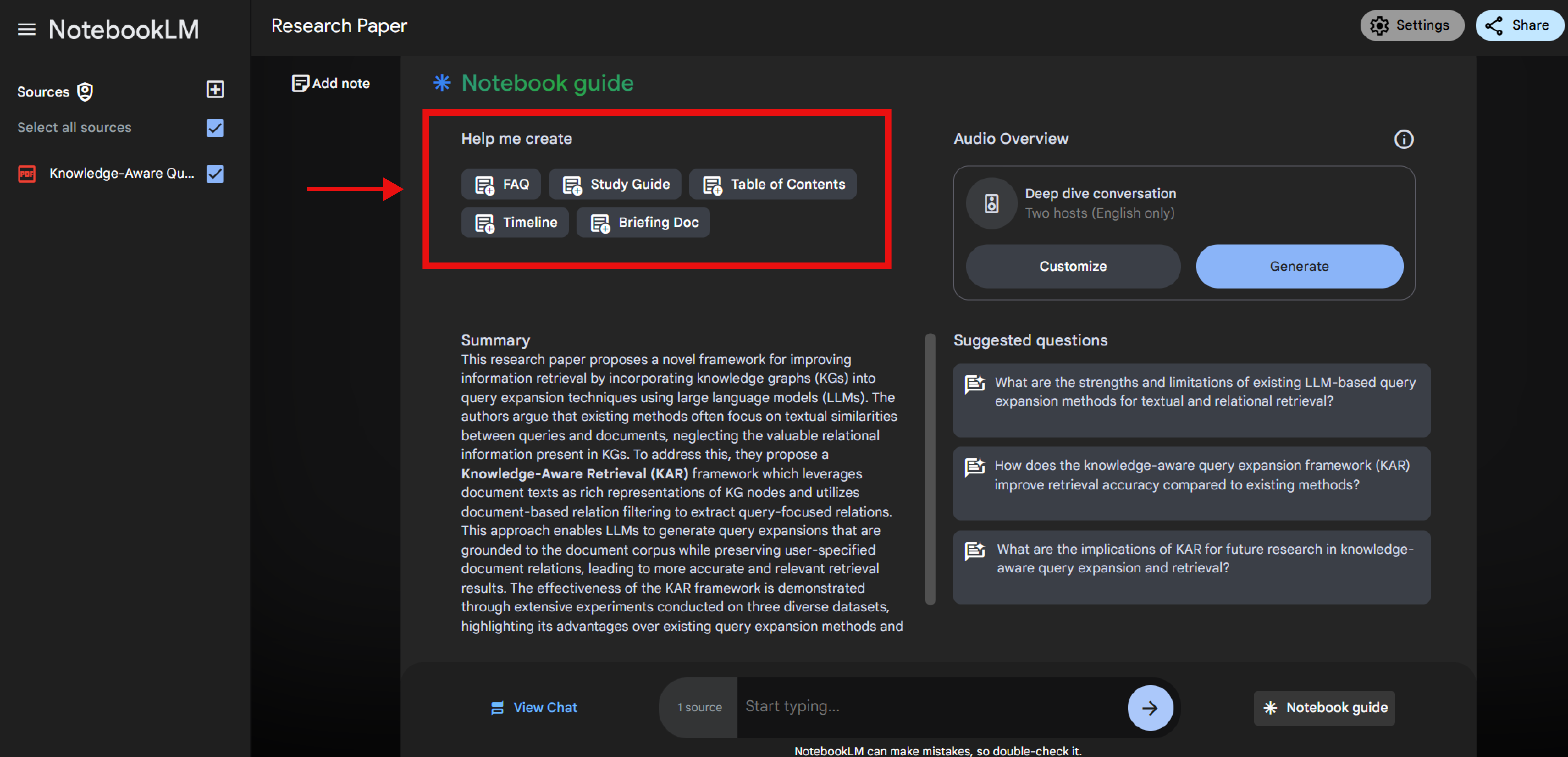
I have listed the common options available below:
- FAQ: Incorporates common or general questions with answers.
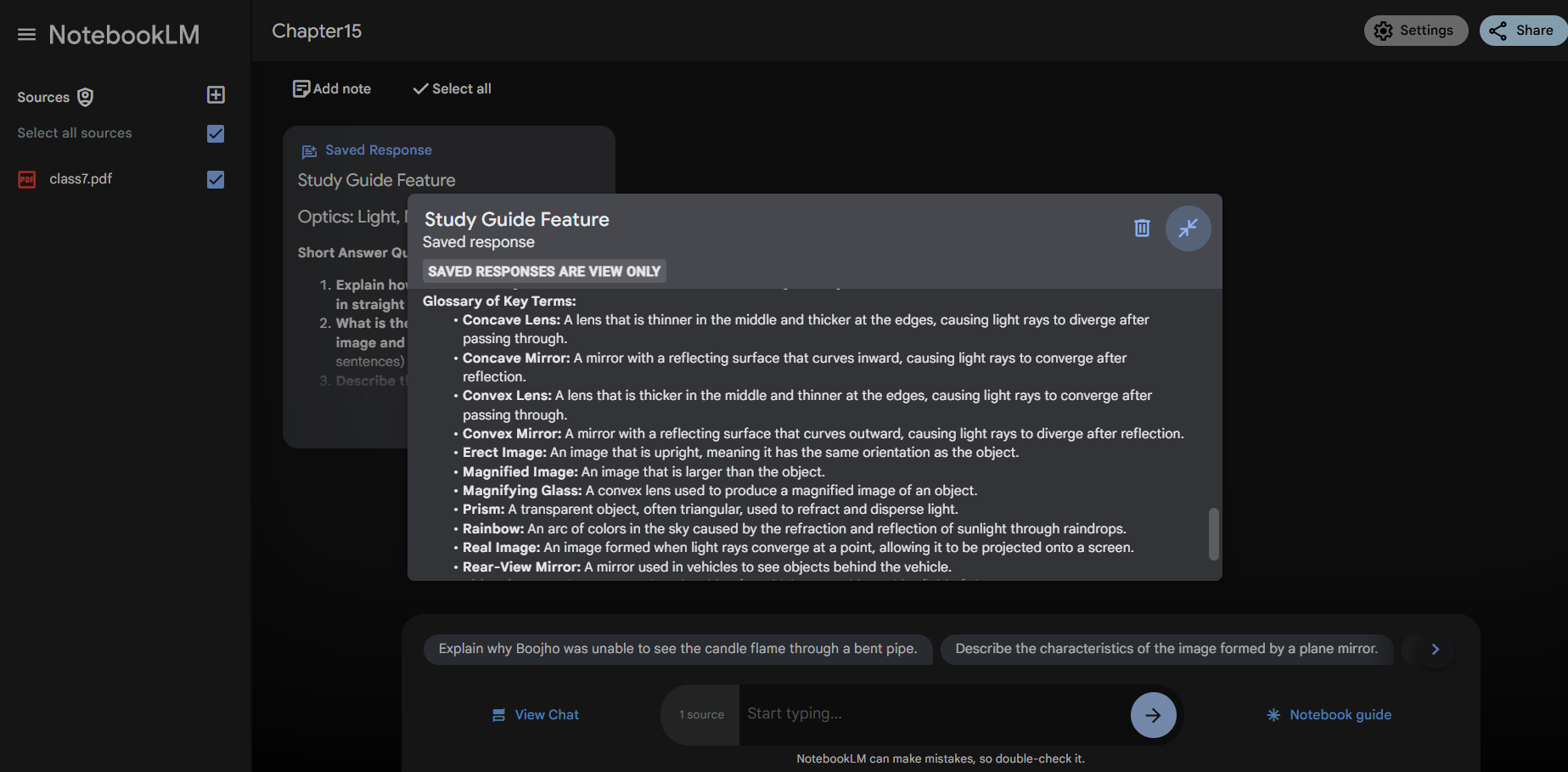
- Study Guide: Includes glossary of key terms, quiz questions with corresponding short answers, and essay questions to ponder over.
- Table of Contents: Creates excerpt from uploaded source and is structured
into well-defined sections with key points for better readability. - Timeline: The timeline feature will scan through your document and will organize the sequence of events in time (or timeline of the events).
- Briefing of Docs: This feature resembles an itinerary in functionality by outlining the main theme, key ideas, and facts, and wraps up with a conclusion.
Audio Overview
Imagine turning your study material, research insights, or even creative drafts into a podcast. With a single click, Audio Overview summarizes key points from your documents into an audio format, enabling you to absorb information while on the go.
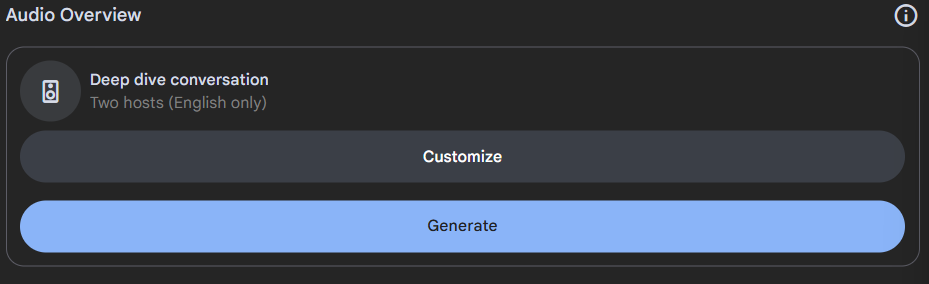
Here’s a podcast of my article “From Data to Delight: Building an Intelligent Recommendation Pipeline for Digital Marketplaces” that I was able to generate with NotebookLM.
Article-Audio Overview
This feature doesn’t just present information — it transforms it into engaging content, complete with contextual humor, as showcased in user experiments I have highlighted below:
“Poop and Fart” Analysis: One user decided to test the limits of NotebookLM’s audio capabilities by uploading a document consisting solely of the words “poop” and “fart” repeated numerous times. What came out was quite interesting.
One of the AI- host stated, “So how do we even begin to unpack this? Is it a statement on bodily functions? A commentary on the absurdity of life? Or is this just someone messing with us, seeing if we’d actually spend an entire deep dive overthinking a document full of ‘poop’ and ‘fart’?”
Poop and Fart Analysis -Audio Overview
“Chicken” Research Paper : Another user created a mock research paper filled with the word “chicken” and submitted it to NotebookLM. The AI hosts found this as an unusual paper, even making a humorous comparison about the document having “more chicken in it than KFC”.
Chicken Analysis -Audio Overview
These two example showcases the model’s ability to adapt and handle illogical input and still give you clear and interesting response.
Notes Reinvented
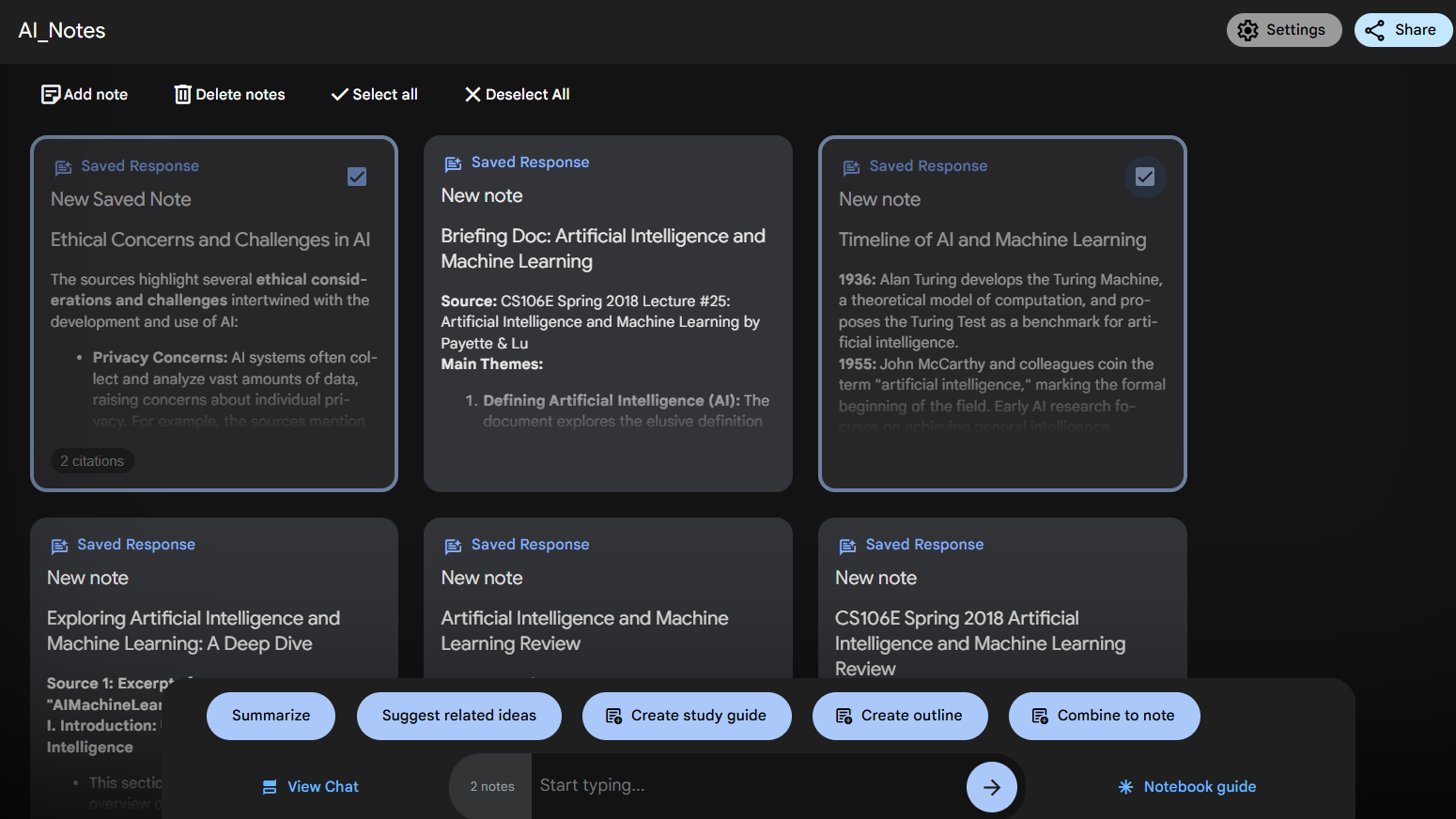
While you can chat with your sources, you can further go ahead and save notes generated from your interactions. It doesn’t stop there. Interact with your notes by selecting them and clicking on the suggested chips like ‘Critique’, ‘Help Me Understand’, ‘ Suggest Related Ideas’, ‘Create Outline’, and ‘Combine Notes’. These features help you better understand and organize your notes.
Some Interesting Use cases
Here are some use cases you can try out:
Use case 1: Exam preparation
You can upload your textbook to get quick revision insights for your exam preparation.
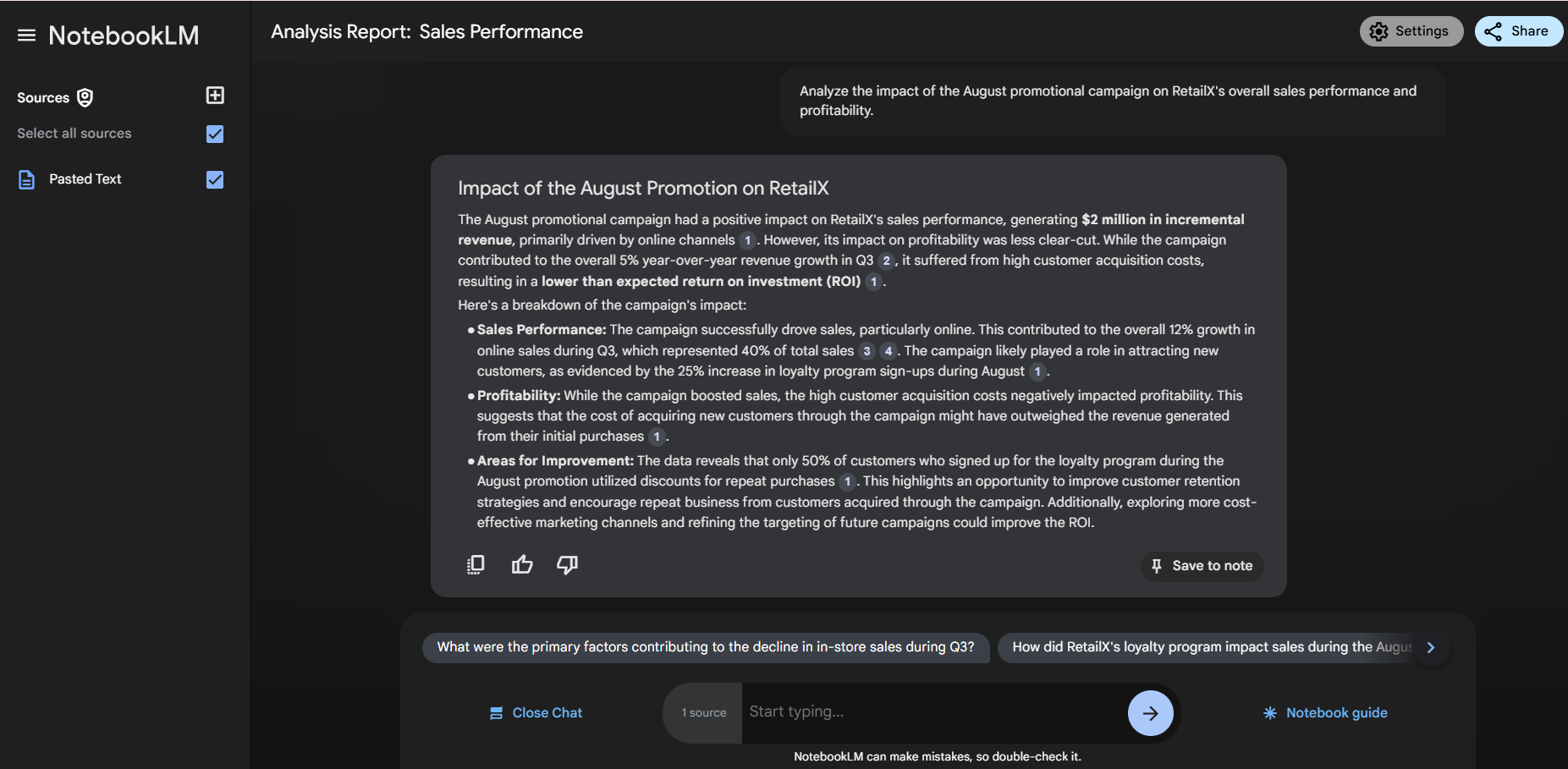
Use case 2: Performance analysis with reports
Upon uploading your analysis report or presentations you can extract key points and prepare for your meetings.
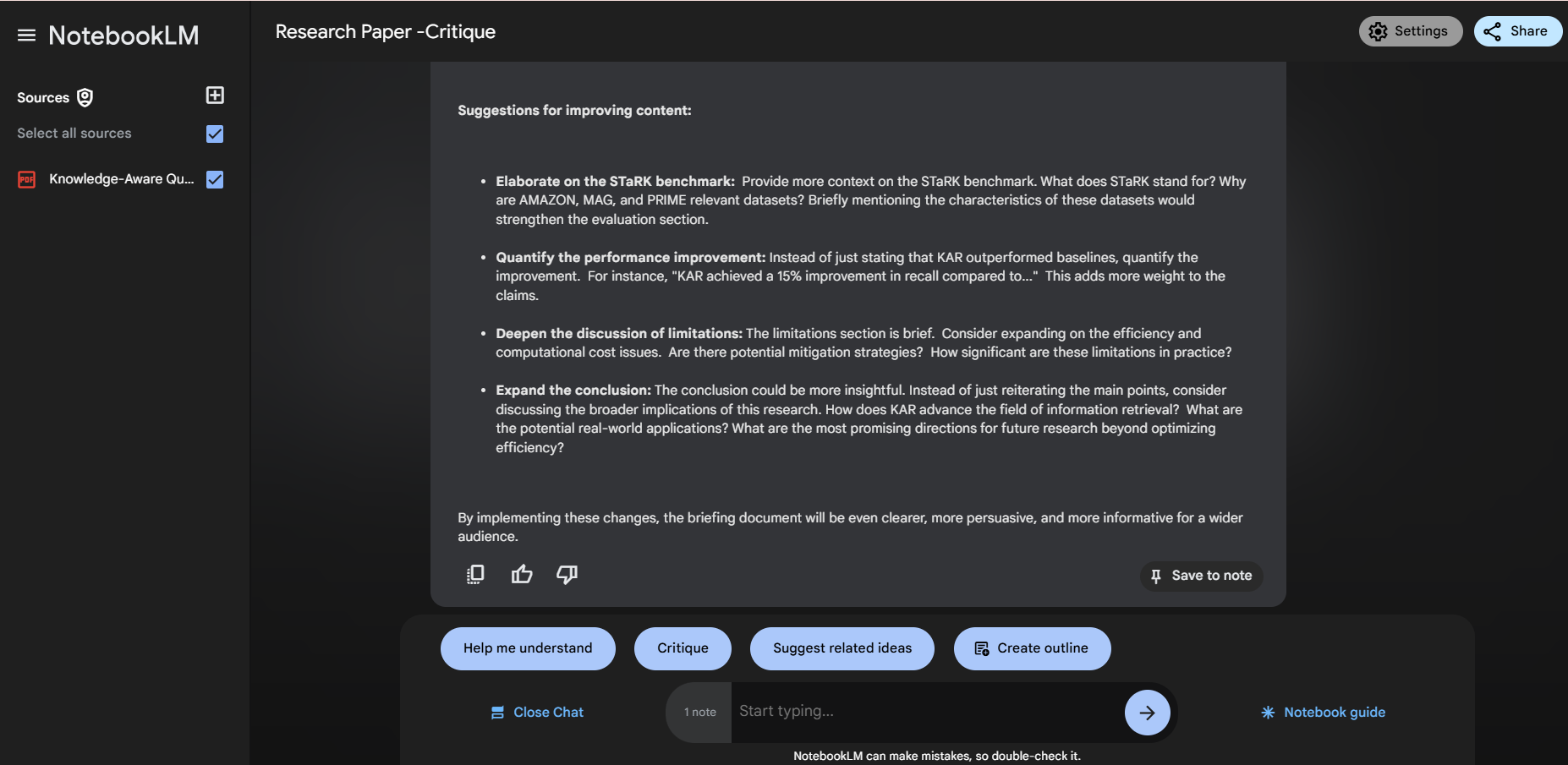
Use case 3: Research paper analysis
You can upload your research papers to find gaps and areas that need to be focused on for further improvements.
Conclusion
It has been a whole lot of fun playing around with NotebookLM. It has been my goto tool for saving links and messing around with notes. It definitely is a game-changer in making sense of complex information. It helped me organize and understand my data, saving me time and organizing my information to get better insights, making work and learning more efficient.
Do you see the potential of this platform? I would be curious to see what other use-cases you have for this platform.