Read with Claude
 Read with ChatGPT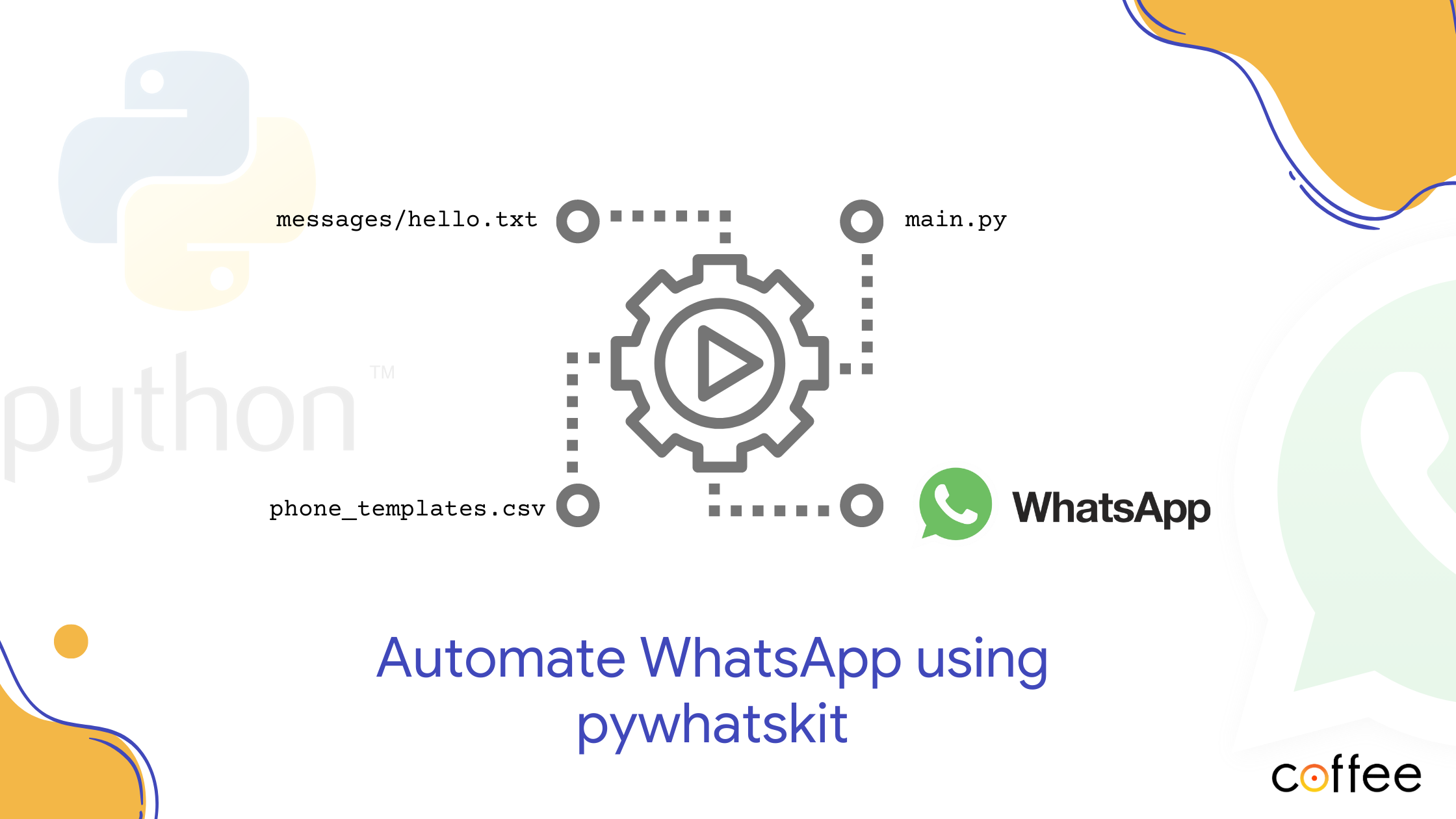
WhatsApp has the benefit of having higher open rates than emails and SMS. Through this blog, I will guide you on how to send bulk messages using pywhatkit. I will be making use of pandas to load contacts data from a CSVfile.
Pywhatkit automates messages, sending them to any WhatsApp number utilizing Web WhatsApp. To make this work perfectly, ensure you are logged into WhatsApp on your default web browser.
pywhatskit + pandas = 🤖
I have created this project to send messages via WhatsApp to a list of contacts stored in CSV file. I have made use of a text file to store my message content and replace the details in the message for personalization.
Without further adieu, let’s get started.
Setting up the project
Create a new folder for the project and a file called main.py. Like mentioned we will be using pywhatkit and pandas. Install the libraries for our project.
pip install pywhatkit pandasIn the main.py file, import the libraries installed.
import pywhatkit
import pandas as pd
Accessing contacts data from csv
I have a CSV file( named ‘phones-template.csv’) with two columns:
- ‘Name’ — the person's name
- ‘Number’ — phone number to which the message must be sent
You can add names and numbers to this list as required. Make sure the phone numbers have their respective country code.
Name,Number
Jon Snow,+919876543210
The CSV file is read with pandas and the contents (Name & Number) are stored in the variable ‘data’ as a string. The dtype="string" argument ensures that all columns in the CSV are treated as strings.
data = pd.read_csv("phones-template.csv", dtype="string")
# numbers = data['Number'].to_list()
Creating message template
Create a folder called messages and add a text file hello.txt, which we will use for the message template. Here is what I have set as my message content.
Hello {name},

How are you doing? It's a great day for fishing ain't it?
Hope you are having fun.

Regards,
Naveena
You can create and customize the text message as per your requirements.
Iterating through the contacts and sending messages
The loop iterates through each row in “data.” For each iteration, we access the name and number in a row and trigger a message.
for i, row in data.iterrows():
    print(f"Sending message to {row['Name']} at {row['Number']}"
Open the text file to get the message content.
message = open("messages/hello.txt").read()Replace {name} placeholder in the message with the Name from the CSV file. Thus, for every iteration of row in the ‘data’, the Name is updated from the csv.
message = message.replace("{name}", row['Name'])Then, the sendwhatmsg_instantly function from pywhatkit is used to send the personalized message to the contact's WhatsApp number (from CSV file).
    pywhatkit.sendwhatmsg_instantly(
        phone_no=str(row["Number"]),
        message=message,
    )
And, there you have it! Run main.py and the script will open Web WhatsApp and send out the message to each and every number in the phone-template.csv.
Here’s the entire code of main.py:
import pywhatkit
import pandas as pd

data = pd.read_csv("phones-template.csv", dtype="string")

for i, row in data.iterrows():
    print(f"Sending message to {row['Name']} at {row['Number']}")

    message = open("messages/hello.txt").read()
    message = message.replace("{name}", row['Name'])

    pywhatkit.sendwhatmsg_instantly(
        phone_no=str(row["Number"]),
        message=message,
    )
This script has the drawback of opening a new WhatsApp web tab in the browser for each message 😣😣😣. Sometimes, if it takes too long for WhatsApp to load, the message doesn’t get sent and the script executes next iteration in the loop. Play around with sleep() in the loop to prevent this from happening.
For the entire code: https://github.com/Nave-ena/Bulk-messages-using-Python
In Closing
This script can serve as a foundation for automating message sending as per your needs using WhatsApp. This is a great start if you are looking to send out invitations, RSVP messages and thank you notes without relying on a third party solution.
This script serves as one of the best examples for process automation. Automation not only saves valuable time but also opens the door to endless possibilities for innovation and enhanced user experiences. So, let’s continue exploring the limitless potential of automation and propel our digital journey to new heights. Happy automating!!!🤗🤗