Read with Claude
 Read with ChatGPT
Isn’t it good to have a simple place to store your notes? A notepad, perhaps? Isn’t that how it all started in the Windows XP machine. We could type up our thoughts on a Notepad and save that txt file anywhere for future use. Then, came the era of smartphones and the whole host of choices increased. We could choose from Evernote to Google Keep Notes to Apple Notes to Obsidian.
Which app is the best? In the pursuit of choice, did you end up having your notes in all places? Did you forget the reason you embarked on your search?
Every new app we find to solve a problem, we already have a solution for, provides an opportunity to either solve it better with that one additional feature or provide a better user experience, that makes us want to switch over. While notepad was simple and clean, its lack of formatting and auto-save features did make it very limited to use. So it is natural, we would want to embark on an exploration of alternatives.
But when do you stop? There is always a new shiny that will appeal to you. Only when you choose an app, you can make best use of it and finally, have a single repository of notes.
You cannot find something “new” without exploring, you cannot bring out the “best” without exploiting.
Exploitation is about making the best use of what we already have. Exploitation, always has had a negative conotation to it, but it is about refining, optimizing, and making the most out of existing platforms and insights.
Exploration, on the other hand, involves pushing boundaries, and seeking new possibilities among all the options available out there. It’s about the desire to discover something new and better.
Where does this exploration begin? What are we constantly on the lookout for?
Personalization
An app that is catering to our needs and building upon the data that we have provided always seems quite useful. This gives us actionable stats, insights and comparative data we can work with and improve upon.
Customization
Can we make the app our own and customize the workflow and UI in terms of formatting, templates, and layout options? The ability to tailor the app to your specific needs will allow it to be better used.
Access across devices
Cross-device sync ensures that data can be accessed anytime, anywhere, and from any device. This is useful especially when we are on the move and need to get quick access.
Collaboration
If you frequently work on projects with others, you’ll want an app that allows for easy collaboration, real-time editing, commenting, and sharing capabilities.
Organization and Search
The app should make it effortless to organize your data and find what you need quickly. It’s good to have features like tagging, grouping, and the ability to search to help organize the data.
Integration with other tools
Consider how well the app integrates with other tools and services you use regularly, for example, integration with email, calendar, task management apps, or cloud storage platforms.
Offline access
While access across devices is essential, offline access is equally important, especially when you’re in areas with limited or no internet connectivity. Ensure that the app allows you to access and take your data offline, with changes syncing once you’re back online.
Data security
We also need to recognize that using cloud tools puts data in a third party server and it may not be the best option for dealing with sensitive information. Perhaps, in that scenario, looking at an on-premise solution is the best course of action.
Backup and restore
Make sure the app offers good backup and restore options to prevent data loss. Ideally, it should automatically back up your data regularly and allow you to restore previous versions if needed.
Cost and subscription model
Consider the pricing structure of the app, including whether it’s a one-time purchase, subscription-based, or freemium model. Evaluate whether the features offered justify the cost and whether it fits within your budget in the long term.
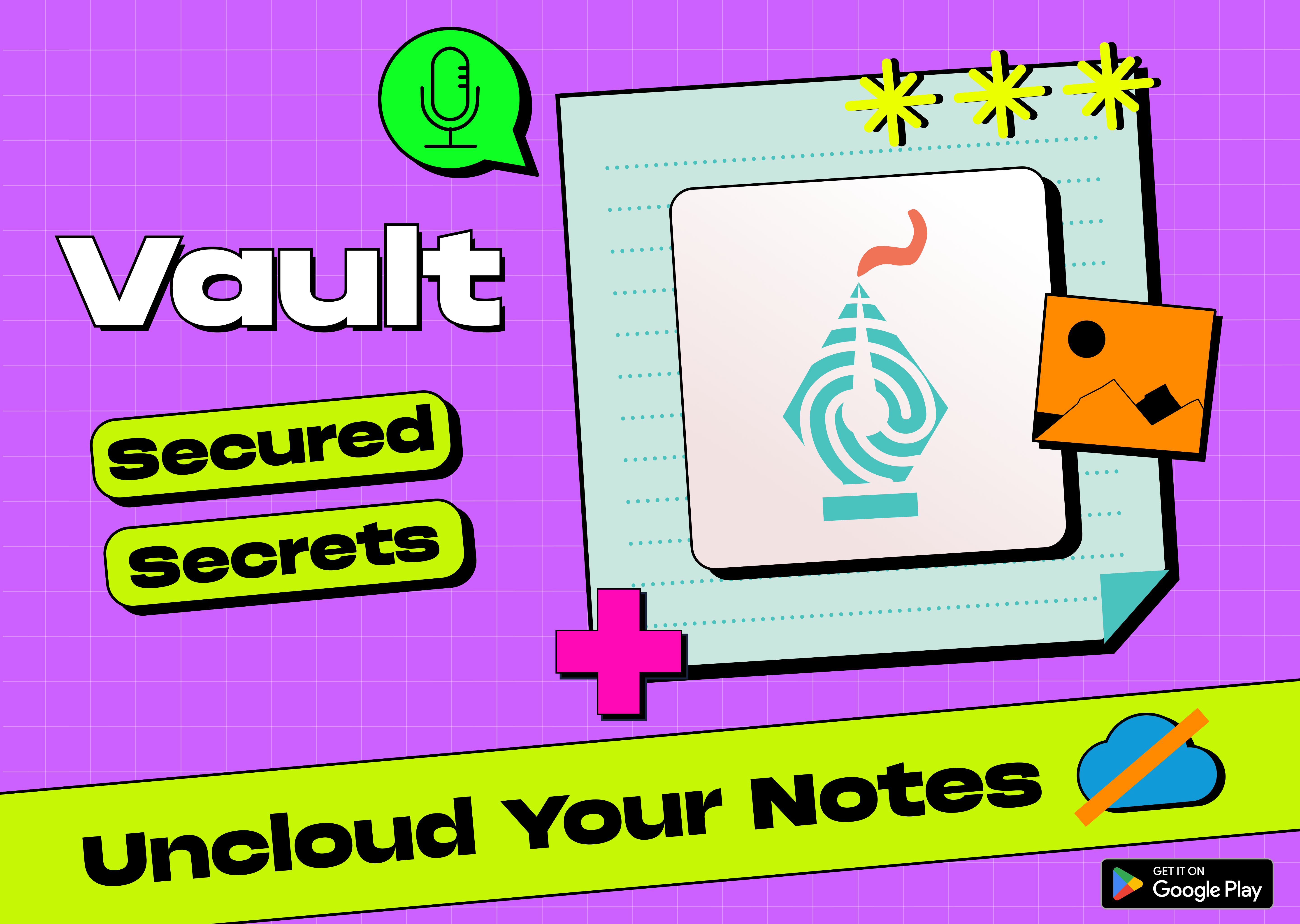
Vault
We built a notes app recently that explores many of the concepts listed above with a UI based on the Neo Brutalism design. One of the key aspects of the app is that it is very secure in how it maintains your data by locking your notes behind the device biometric/passcode, keeping it on your device only and making it easy to export your data.
Check out the app now on the playstore at: https://play.google.com/store/apps/details?id=com.coffeeinc.vault
Conclusion
Of course, through it all, having a smooth and intuitive user experience is great to have. It is essential to evaluate whether our use of familiar tools is stopping us from achieving optimal results. While exploitation of what we are used to can breed comfort, it is important to recognize when it’s time to explore new solutions that better address the evolving needs of our teams and organizations.
Ultimately, the goal is to find the tools and technology that empower us to work smarter, not harder, and achieve our goals with greater efficiency and effectiveness.