Read with Claude
 Read with ChatGPT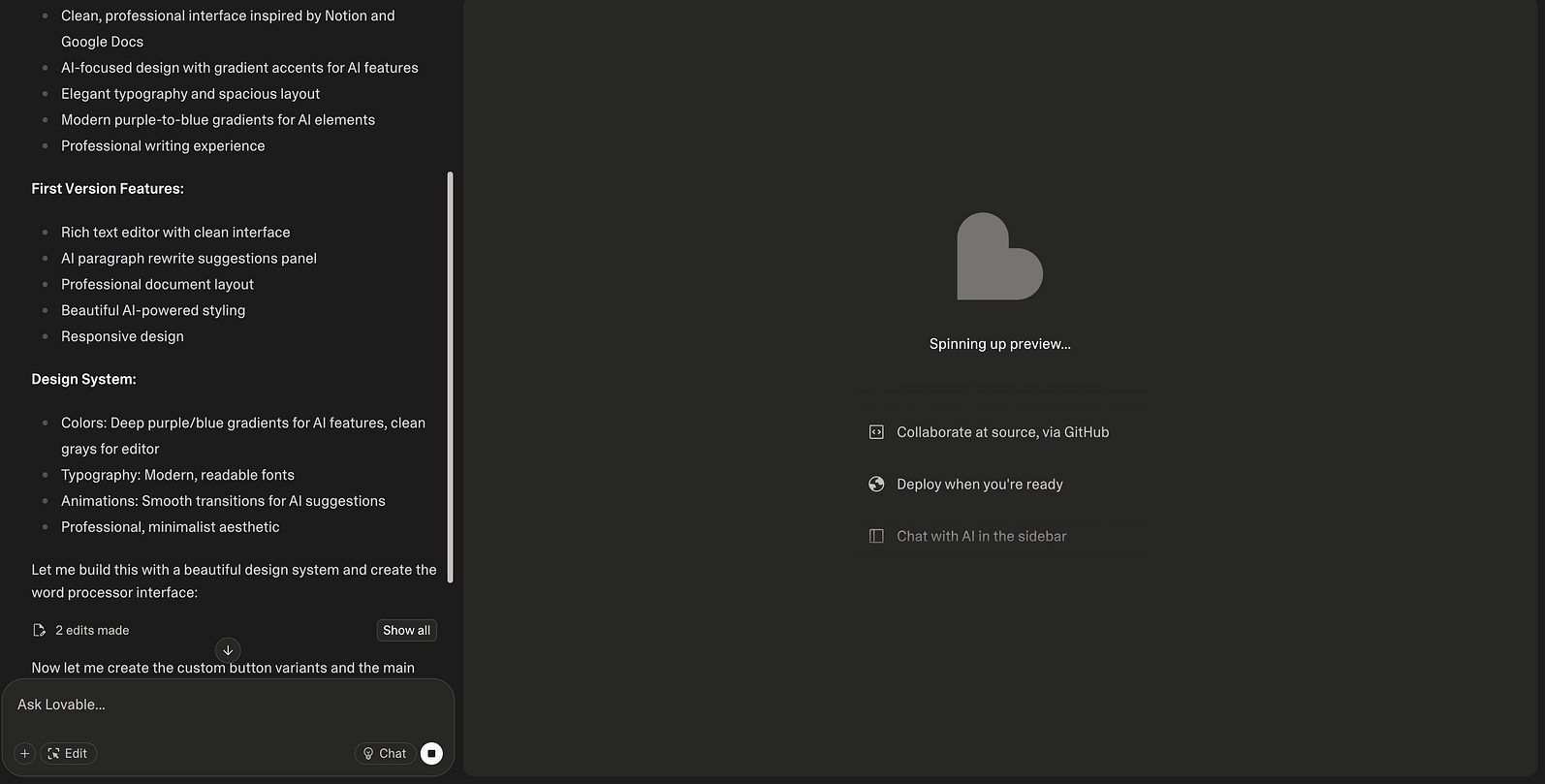
I have built several applications using Lovable, taking them from initial concept to production-ready deployments. The journey has been a mixed experience with both bright spots and challenges. While it can provide a genuinely rewarding development experience, the repetitive tasks and limitations can also be frustrating at times.
I keep seeing the same pattern: people either think it is magic that will build their entire app, or they dismiss it completely after hitting the first roadblock. Both perspectives are misguided.
Where It Really Shines
Quick Working Prototypes
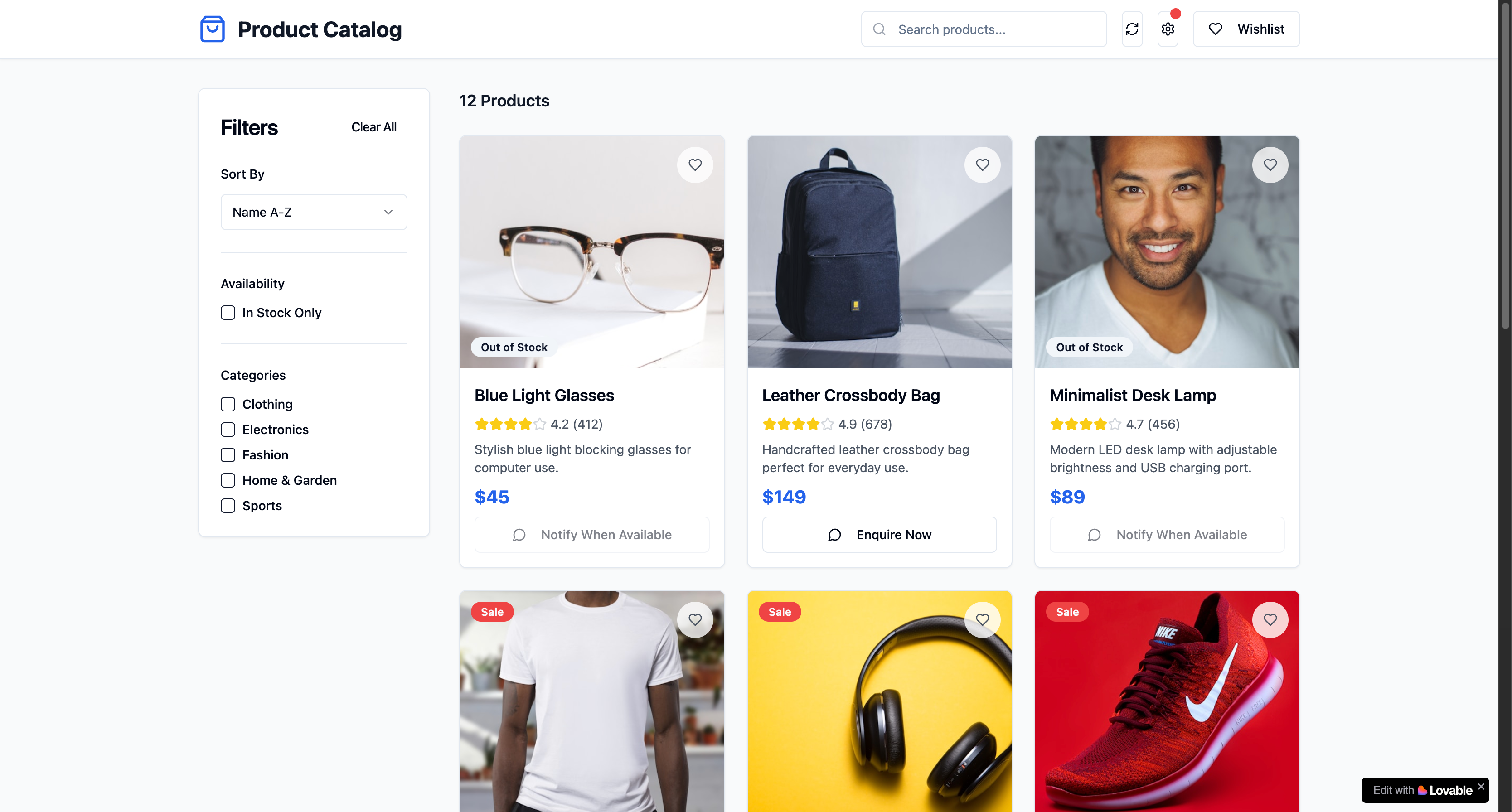
Lovable really stands out here. I am not talking about basic mockups, I mean actual working apps with real login systems, smooth database connections to Supabase, realistic sample data, working menus, and buttons that actually do something when you click them.
When you need to show your team an idea or test something out, it is incredibly fast, way faster than building it from scratch or just a Figma design. We built complete app workflows with all the screens and realistic data in just one day. That is quite impressive.
An Interactive Build
If you are testing ideas, building demos, or need to show quick progress or a working prototype, Lovable is a game-changer. It will not build your final production app, but it will give you something interactive to work with much faster than regular development.
Where Things Fall Apart
External Integrations Are a Nightmare
The moment you need to connect to anything outside Lovable’s ecosystem, you are on your own. Want push notifications? Email services? Custom APIs? Good luck with that.
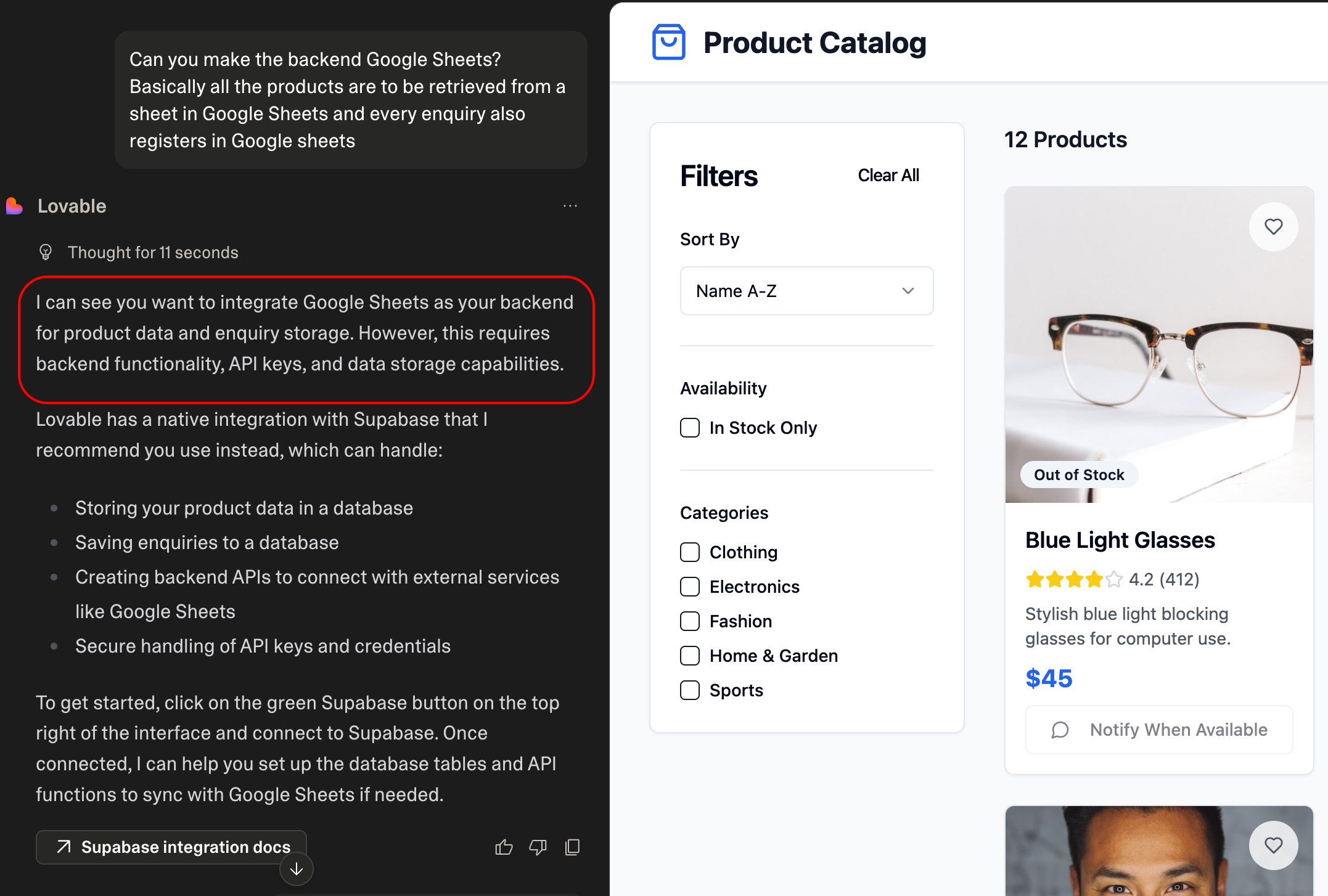
Doesn’t support Google sheets integration out of the box.
There is a “Fix by Me” button that handles basic syntax errors, but it has no clue about configuration issues or external service setup. You will end up doing that work manually anyway.
The Loop Problem
This is where it gets frustrating. When you try to scale beyond basic prototypes, Lovable starts repeating the same failed fixes over and over. I have watched it attempt the same Supabase integration fix literally 10 times in a row.
My workflow now: when it starts looping, I stop, figure out the fix myself (Stack Overflow is still your friend), implement it manually, then continue with AI assistance. Trying to prompt your way out of these loops only wastes time.
Component Chaos
Lovable treats every screen like it is completely separate. Instead of creating reusable components, it copies the same code everywhere. You end up with:
- The same button component written 15 different ways
- Styling scattered across files
- A codebase that is impossible to maintain

Want to change button styling across your app? Hope you enjoy editing 20 files.
Over-engineering
Need a simple two-line fix? Lovable will rewrite your entire component. I have seen it change perfectly working code just because it felt like “improving” things. You have to babysit every change because it will mess with things you did not ask it to touch.
Version Control and Syncing Issues
The Good Part
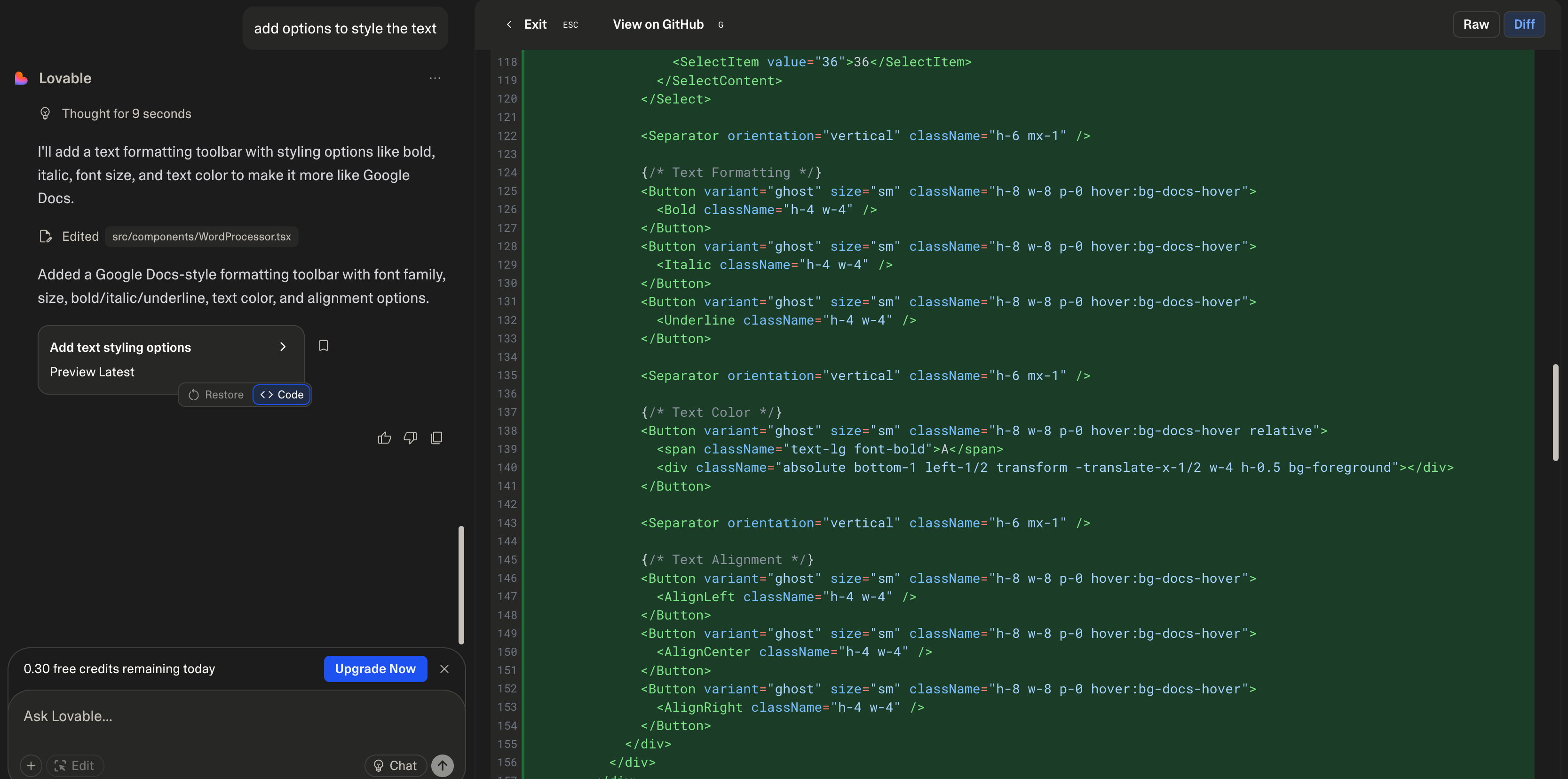
Lovable’s commit system is actually nice — every prompt is one commit, so you can revert when things break. And they will break.
The Annoying Part
Here’s the catch: when you revert code changes, your Supabase database doesn’t revert with it. So you get this weird state where your UI is back to working, but your database schema is still broken from three iterations ago.

After a few rounds of changes, you’re basically managing two different version control systems. It gets messy fast.
Everything Looks the Same

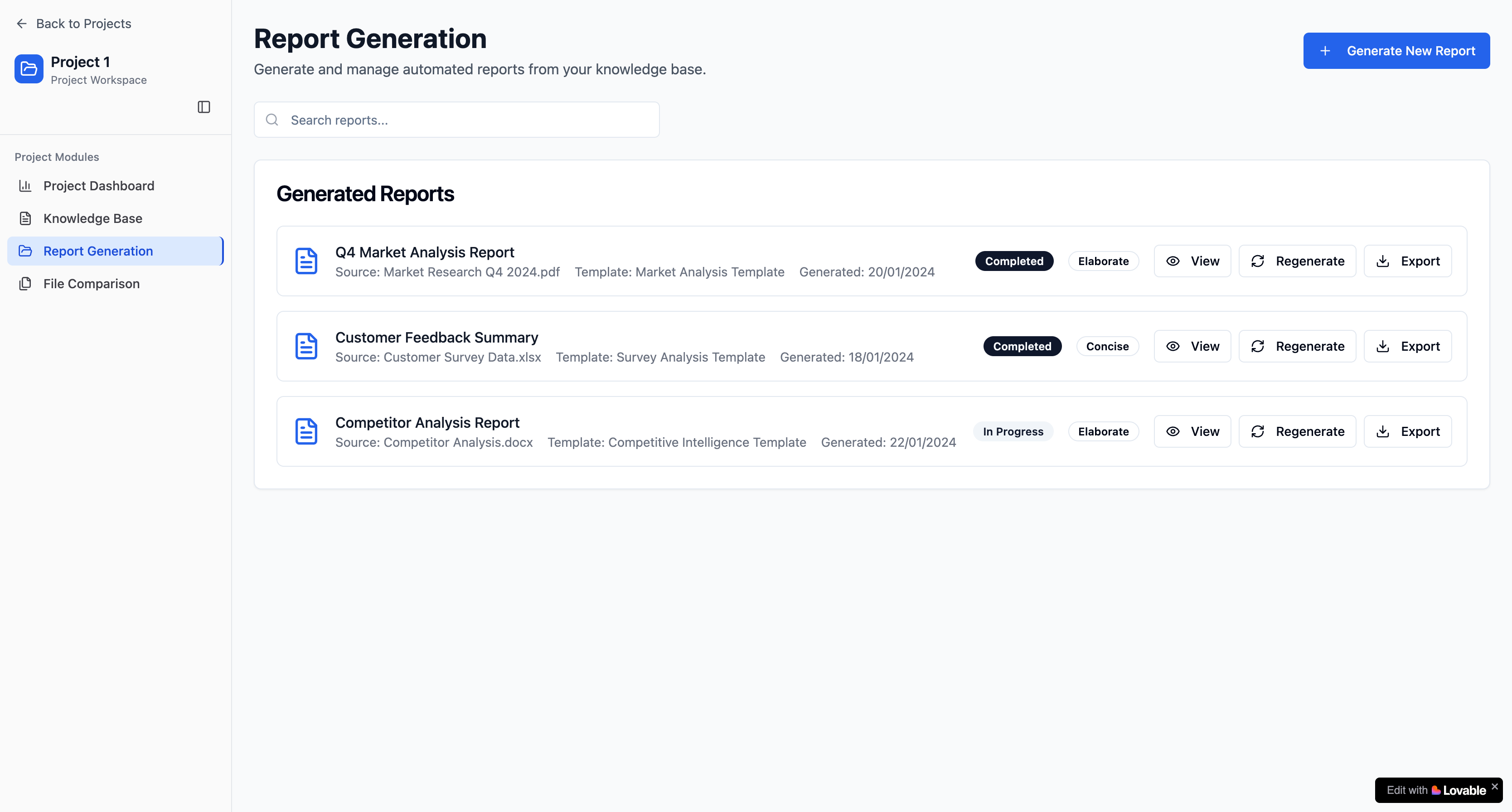
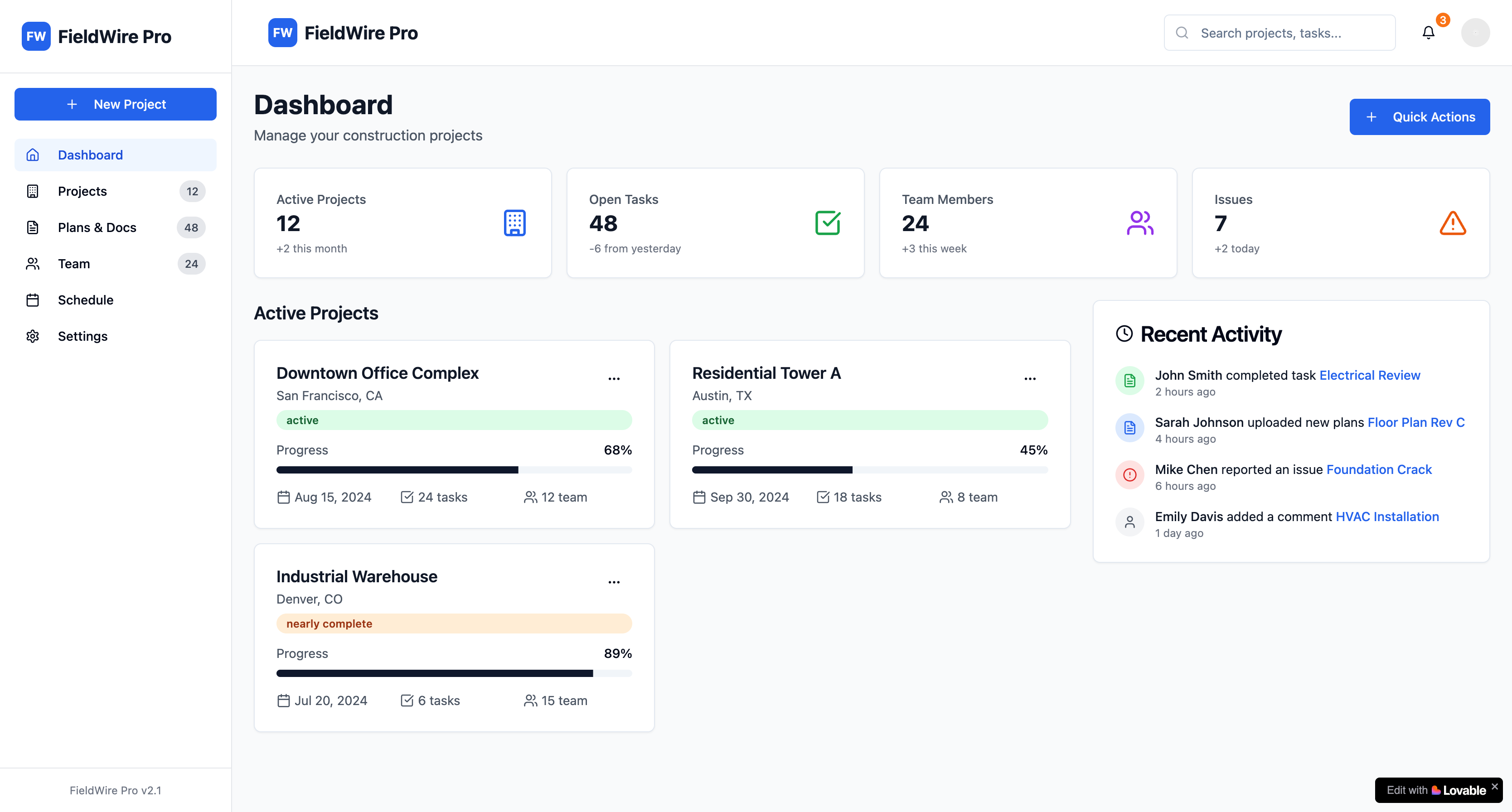
All Lovable apps have this… vibe. The styling patterns, layouts, even color choices follow similar templates. You can break out of it, but it takes effort and specific prompting from the start.
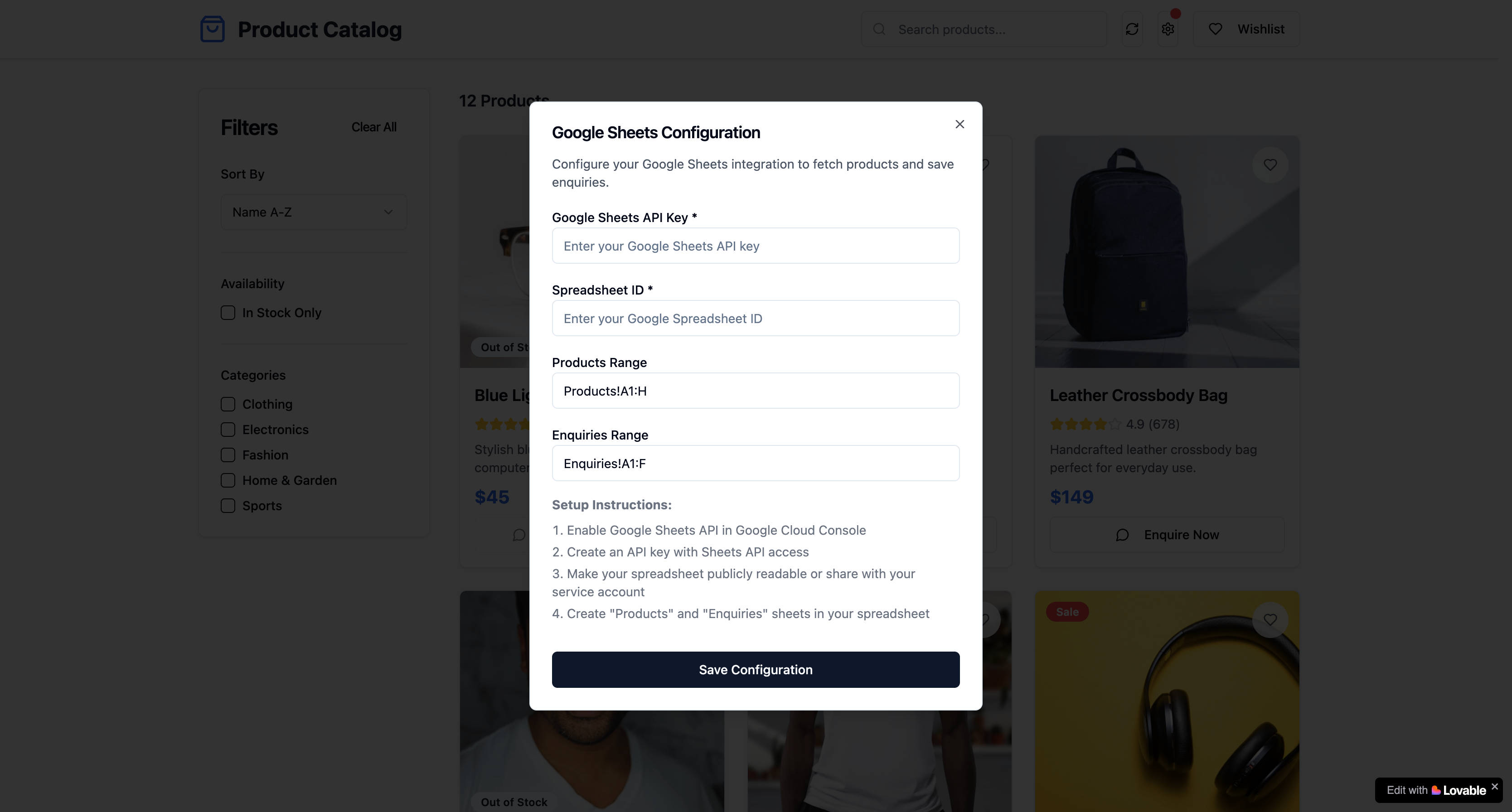
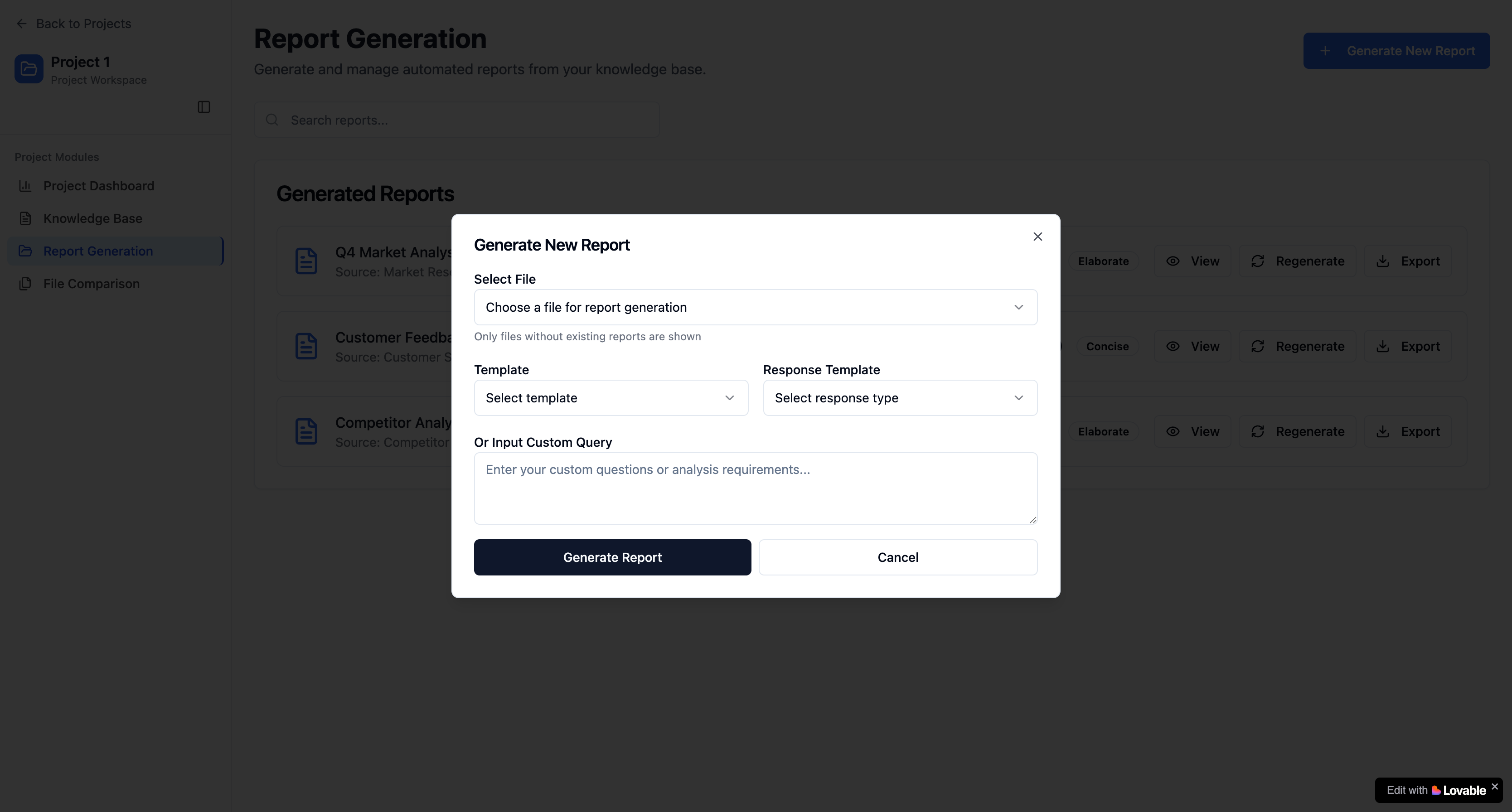
If you want something that doesn’t look like every other Lovable app, plan for custom styling work and be super specific about design requirements upfront.
How I Actually Use It Now
Lovable is great for a quick start, but it all comes down to your spec.
- Create a spec sheet that you can adhere to.
- Identify integration points early, anything external I will handle manually.
- Use Lovable for initial prototyping (it’s genuinely good here).
- Plan “human developer” phases for scaling and production work.
- Keep the codebase clean, don’t let AI create component chaos.
Lovable is a development accelerator, not a replacement for learning to code. Some key tips to keep in mind:
- Recognize when to step in and solve problems manually.
- Don’t get stuck in debugging loops, sometimes the old way is faster. Get into the code and sort it out yourself.
- Plan for manual work from the beginning, don’t rely 100% on AI.
Real Talk
Lovable speeds up certain parts of development, but you still need to know how to code. It is great for prototypes and getting started quickly, but anything you actually ship to users will need human intervention.
The platforms will get better, probably a lot better. But right now, the winning approach combines AI assistance with solid development fundamentals. Know when to use each approach.
For now, treat tools like Lovable as really good kickstarters that get you moving fast, but don’t expect them to handle the complex production stuff. That’s still on us, and honestly, that’s fine.
The future is definitely interesting, but we are not at “describe an app and get production code” yet. Until then, it’s about finding the right balance between AI assistance and traditional development skills.